-
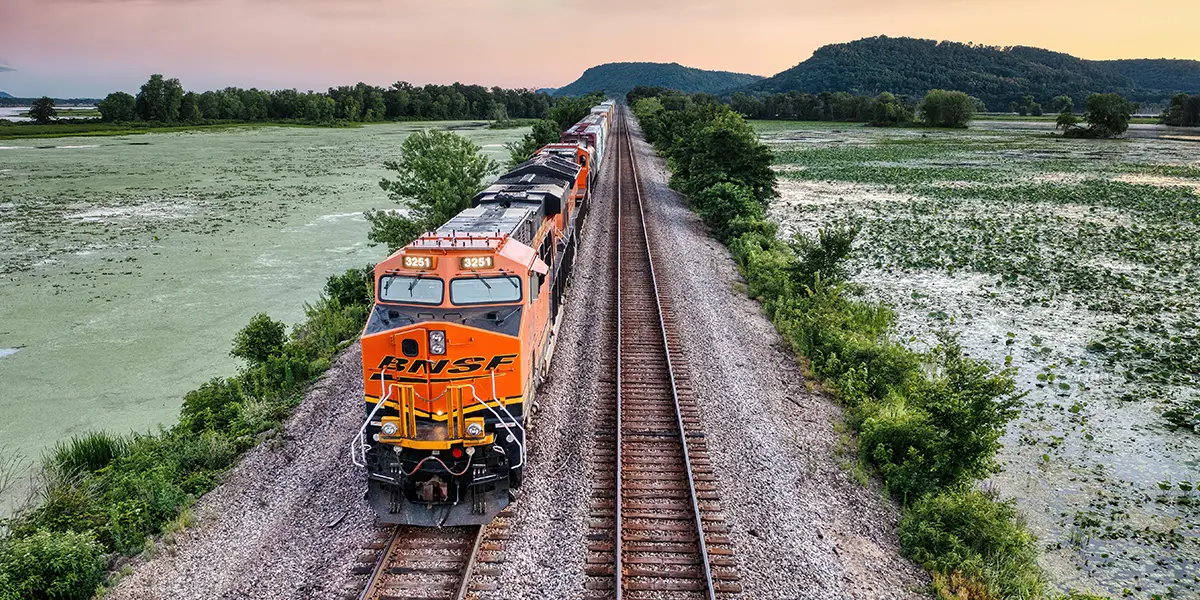
BNSF Railroad and Gunter, Texas
There is a big hoopla going on in southern Grayson County, Texas, over a proposed Burlington Northern San Francisco (BNSF) Railway 900 to 950-acre logistics center near Gunter. BNSF operates a railroad network of 32,500 route miles in 28 states and three Canadian provinces. Gunter, Texas, residents do not want a “train yard” in their Read more…
-
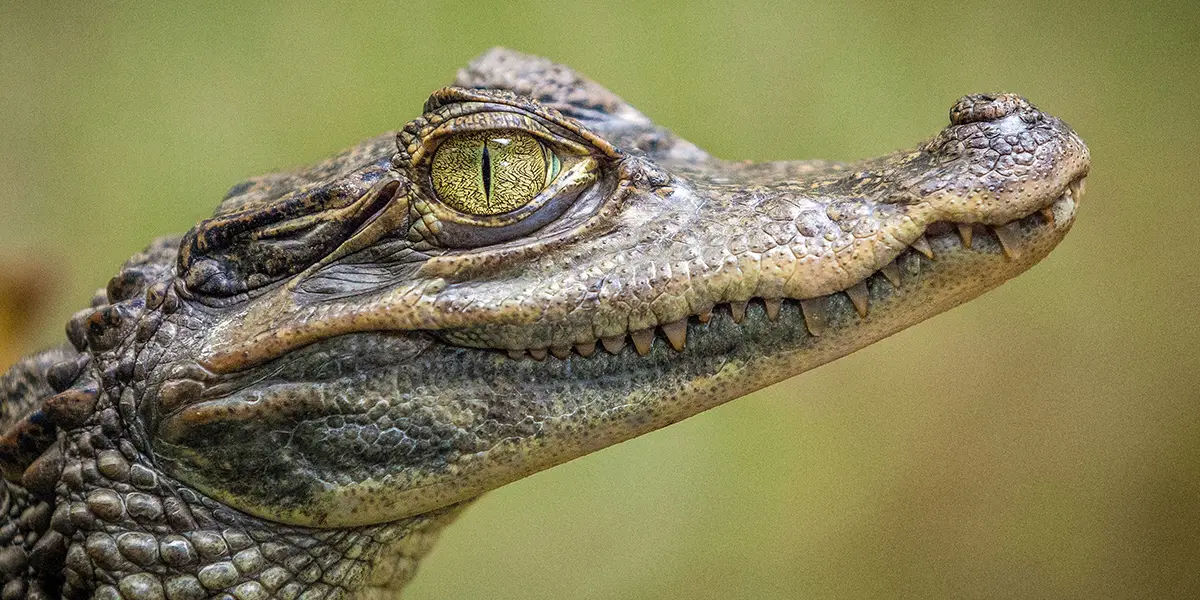
Pet a Baby Croc in Texomaland
Gunter, Texas, is experiencing growing pains, but you would never know it while touring Crocodile Creek, just a few miles north of Gunter proper. Burlington Northern San Francisco (BSNF) Railway bought over 900 acres north of Gunter and some property within its city limits to build a huge logistics center. Gunter is a Texas prairie Read more…
-
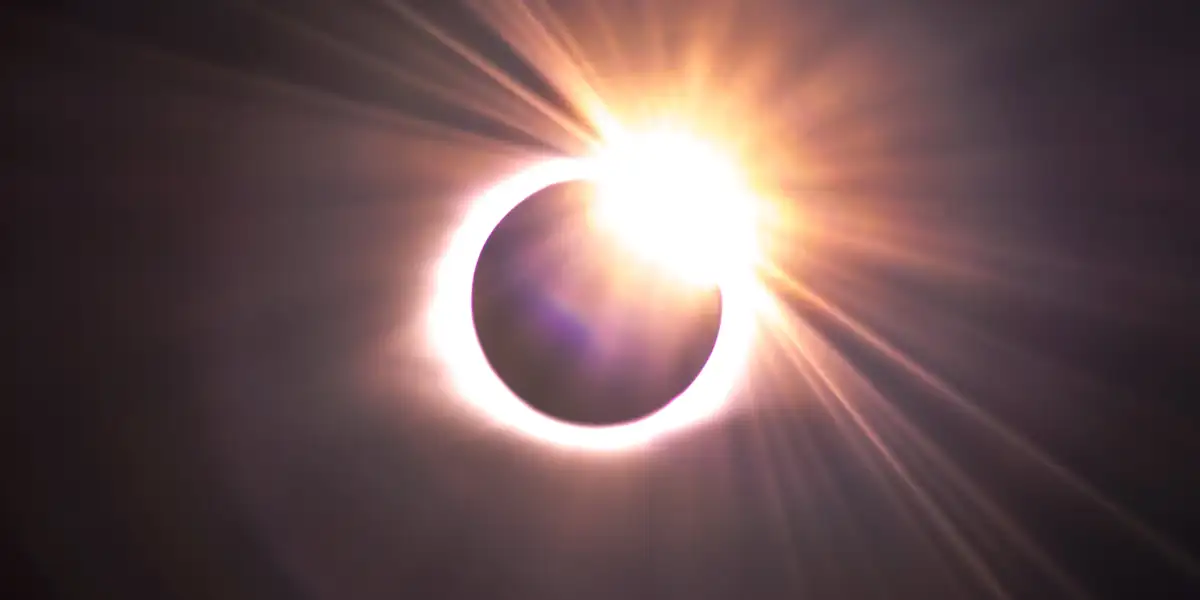
Texas Guide to the 2024 Total Eclipse
The total solar eclipse 2024, on April 8, will enter Texas from the border towns of Piedras Negras, Coahuila, Mexico, and Eagle Pass, Texas. According to the Great American Eclipse website, Texas has the potential to host 720,000 out-of-state visitors and 13 million Texans live within this eclipse’s path. The eclipse excitement will continue to Read more…
-
Trying To Escape From An Austin Panic Room
It was a cold, rainy winter day just before Christmas. My family had heard a lot of good things about Austin Panic Room. So, we decided to give it a try. The 10 of us ranging from 6 to 72 had a blast and can’t wait to try it again. If you’re not familiar with a panic room, Read more…
Discover fun things to do in Texas!
At Texas Outside, you can find all kinds of fun things to do in Texas. From surfing to hiking, fishing to festivals, or exploring lakes, rivers and canyons – there is something for everybody in Texas.
Our mission is simple and clear: to share the joy of Texas. Explore every corner of the Lone Star State with articles and maps of fun things to do across Texas.

Explore fun things to do in Texas by city.
We have lots of ways to explore articles, maps and listings. Whether you’re into ATX, H-town, Big D or SA, explore maps and articles with all kinds of fun things to do in Texas.

Austin
Visit the Texas capitol city, known for live music and outdoorsy activities like hiking and paddling.

Dallas
Check out the hub of the “Lakes and Prairies” region, with plenty to do both inside and out in DFW.
Houston
Come see the third largest metro area in America, with everything from birdwatching to boating and beyond.
San Antonio
Bienvenidos! Check out the riverwalk and the Alamo. From food to fiestas, this city is a lot of fun.