-
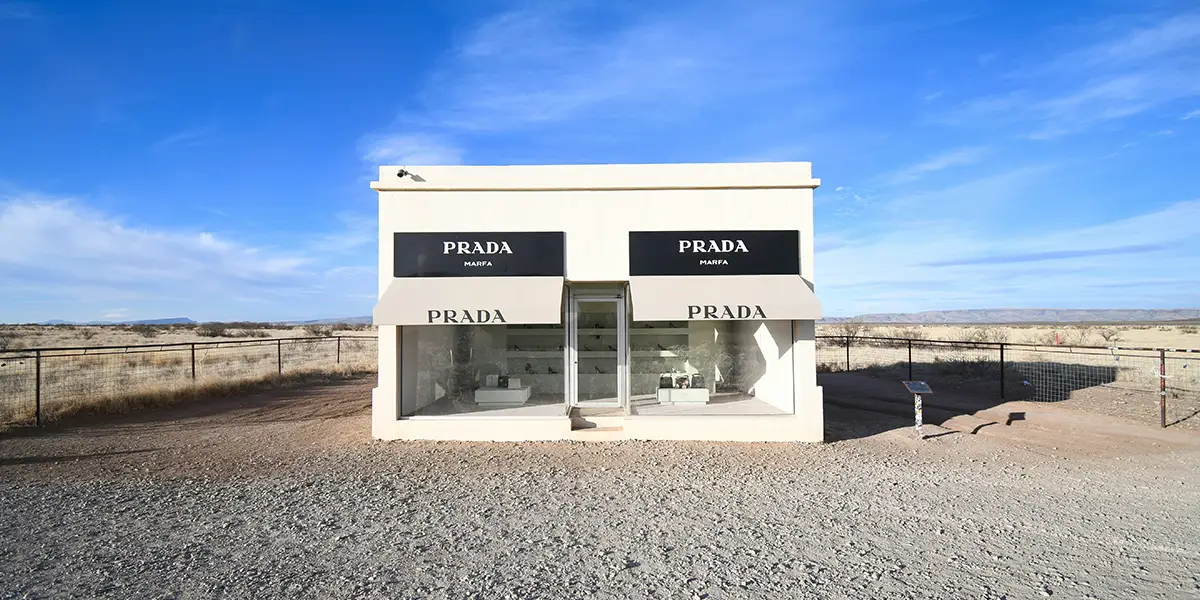
How Marfa Came To Be
Isolated in the remote West Texas wilderness on a flat Chihuahuan desert floor lays a town full of legends. The Chinati, Chisos, and Davis Mountains protectively encircle this obscure hamlet on three sides and bestow upon it their fruitful barren beauty. Art, cultures, history, and the paranormal converge in Marfa, Texas. Marfa sits at the Read more…
-
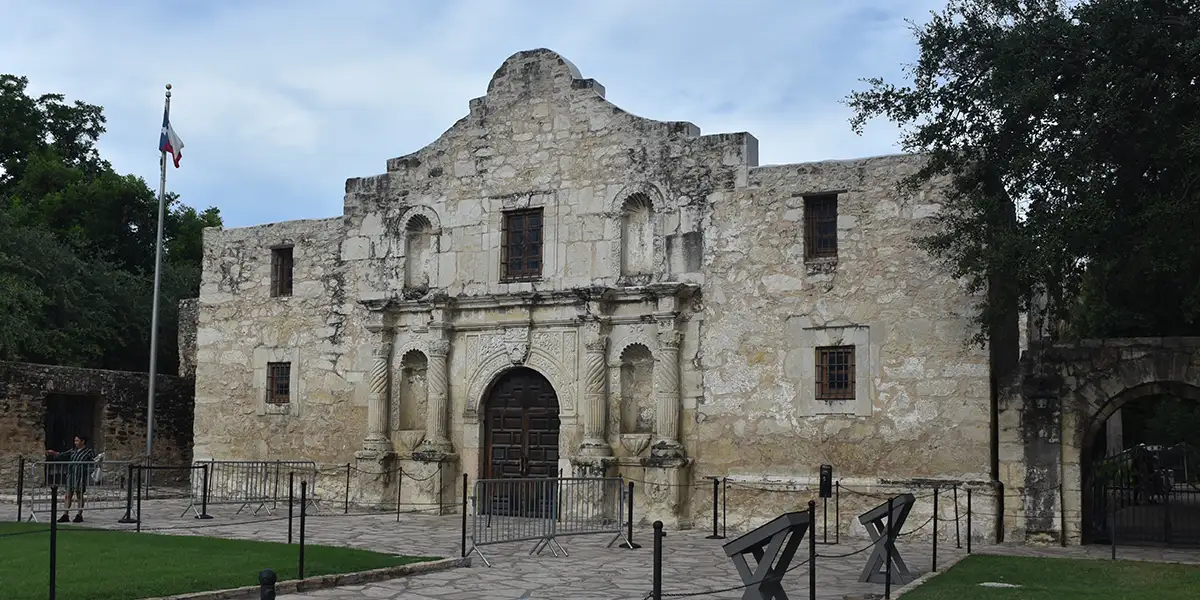
A History Buff’s Guide to the Alamo
If people want to skip learning about the most pivotal moment in Texas history, they could watch what history critics say is the most accurate and historically correct movie, The Alamo, with Dennis Quaid and Billy Bob Thornton (2004). The siege of the Alamo began the Texas War for Independence, also called the Texas Revolution. Read more…
-
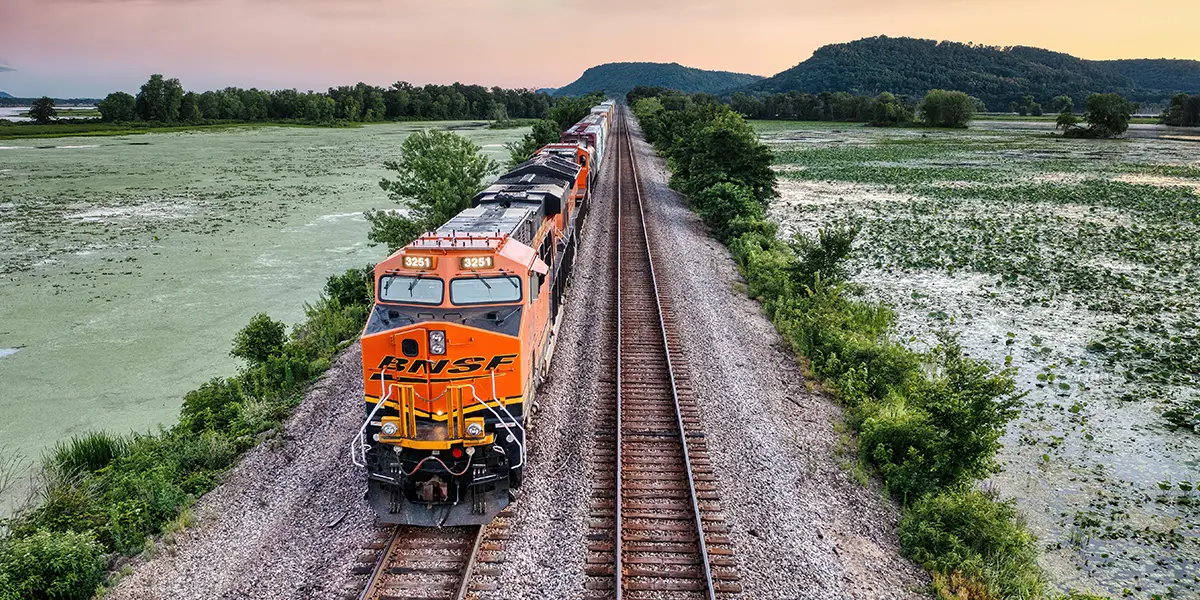
BNSF Railroad and Gunter, Texas
There is a big hoopla going on in southern Grayson County, Texas, over a proposed Burlington Northern San Francisco (BNSF) Railway 900 to 950-acre logistics center near Gunter. BNSF operates a railroad network of 32,500 route miles in 28 states and three Canadian provinces. Gunter, Texas, residents do not want a “train yard” in their Read more…
-
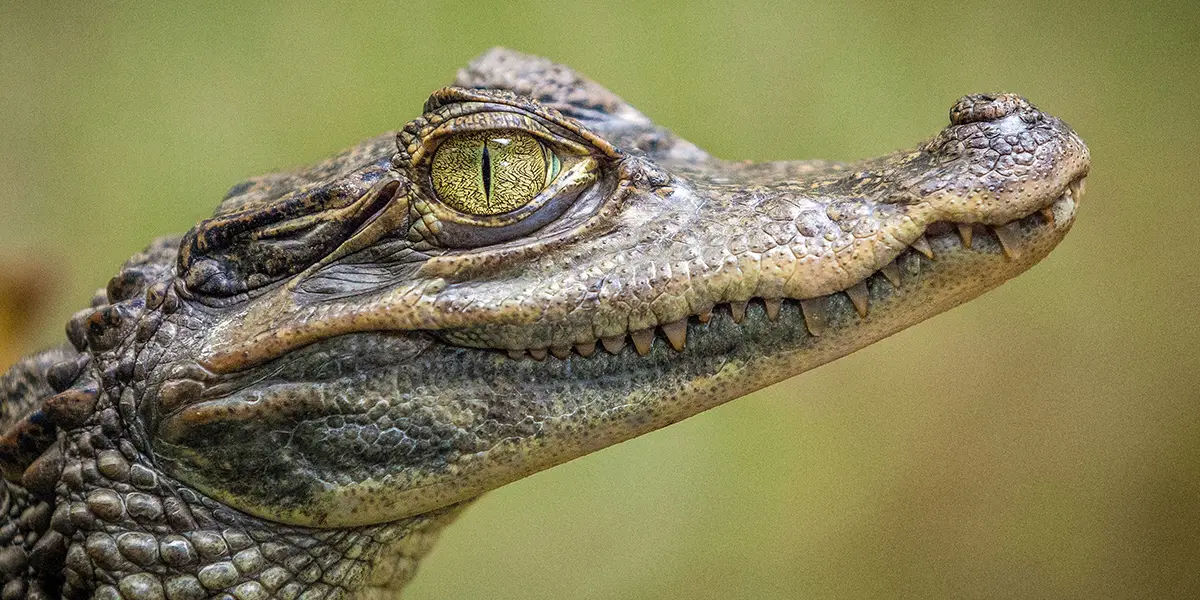
Pet a Baby Croc in Texomaland
Gunter, Texas, is experiencing growing pains, but you would never know it while touring Crocodile Creek, just a few miles north of Gunter proper. Burlington Northern San Francisco (BSNF) Railway bought over 900 acres north of Gunter and some property within its city limits to build a huge logistics center. Gunter is a Texas prairie Read more…
Discover fun things to do in Texas!
At Texas Outside, you can find all kinds of fun things to do in Texas. From surfing to hiking, fishing to festivals, or exploring lakes, rivers and canyons – there is something for everybody in Texas.
Our mission is simple and clear: to share the joy of Texas. Explore every corner of the Lone Star State with articles and maps of fun things to do across Texas.

Explore fun things to do in Texas by city.
We have lots of ways to explore articles, maps and listings. Whether you’re into ATX, H-town, Big D or SA, explore maps and articles with all kinds of fun things to do in Texas.

Austin
Visit the Texas capitol city, known for live music and outdoorsy activities like hiking and paddling.

Dallas
Check out the hub of the “Lakes and Prairies” region, with plenty to do both inside and out in DFW.
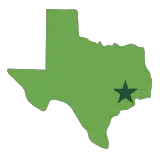
Houston
Come see the third largest metro area in America, with everything from birdwatching to boating and beyond.
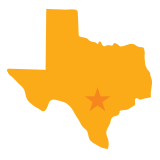
San Antonio
Bienvenidos! Check out the riverwalk and the Alamo. From food to fiestas, this city is a lot of fun.